In this article
You can click on the +Category button at the bottom of the categorization tree to add another category - .
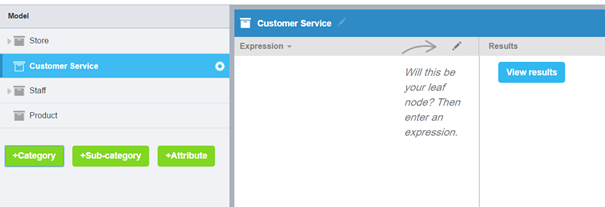
Figure 1 - To add a Category
Click +Sub-category and +Attribute to add to add a Sub-category and an Attribute respectively.
Build up your categorization tree based on how your model needs to look, with Categories and Sub-categories describing the touch points in the business and Attributes describing the emotions or measures of those touch points.
Editing a Category Name
To edit the names of the categories, sub-categories or attributes:
- Click on the Edit icon in the blue bar - .
- Edit the name as required, then press Return or click out of the field to close it.
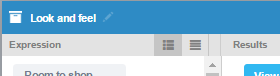
Figure 2 - Click the Edit icon in the blue bar
The text field opens - .
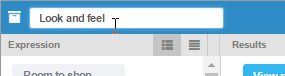
Figure 3 - The text field opens