In this article
To edit an existing expression:
Click on the Edit icon in the expression pane - .
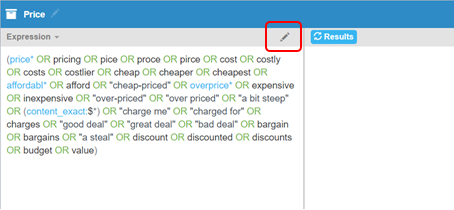
Figure 1 - Click the Edit icon
This opens the Edit Expression pane for editing - .
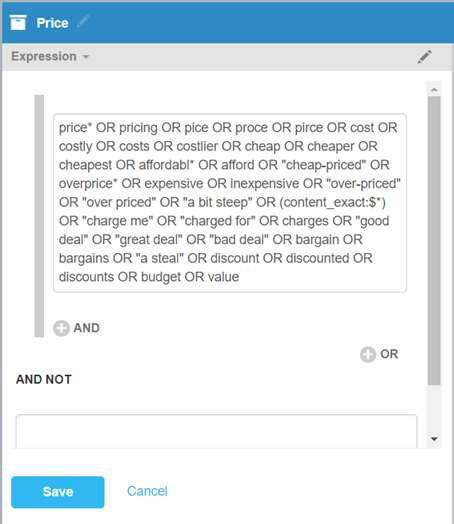
Figure 2 - The Edit Expression pane opens
You can now click into the expression and add and take away keywords and add additional operators as required.